Check a workspace in CI
workspace check checks the workspace against its metamodel: files, required properties, statuses, missing targets, cycles, duplicate IDs, outdated relations and evidence files. In a pipeline it decides by its exit code whether the step passes.
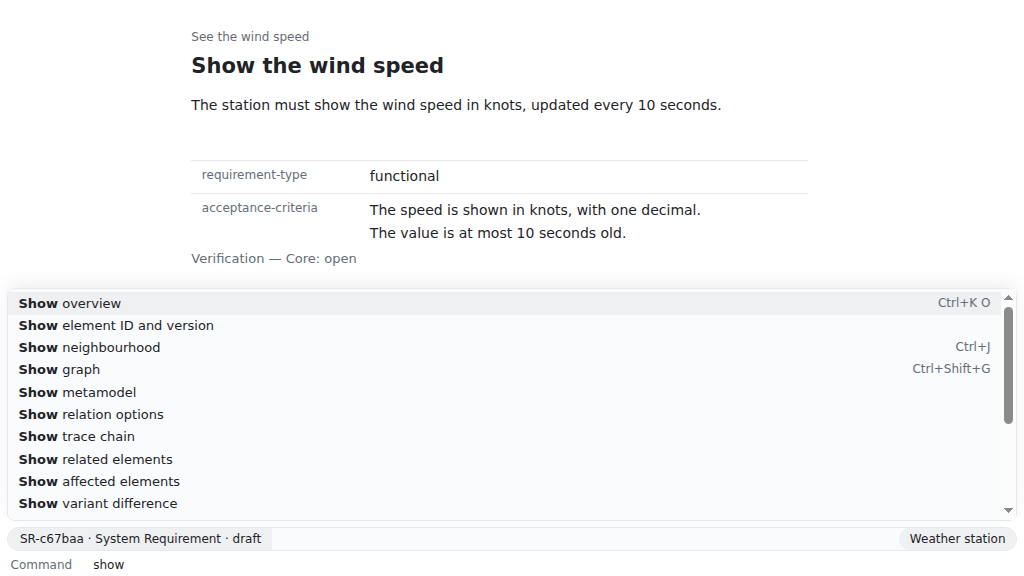
Not possible in the app: a pipeline runs without one. To see the same findings while you work, run Check workspace in the command prompt (Ctrl+Shift+P, ⌘⇧P on macOS).
The commands start from a new workspace; in a pipeline, run them in the checkout of yours.
reqseq workspace init . "Weather station"reqseq element create need "See the wind speed" --text "As a sailor, I want to see the wind speed before I leave the harbour."N-7fe707 draft See the wind speedfiles: need/N-d0e44b7fe707.mdNo problems.reqseq workspace check --fail-on warningok: truecheckedElements: 1No problems.By default only errors fail the check. --fail-on warning lets warnings fail it too, and --fail-on info every finding. --severity only changes what is shown, never the result.
The exit code is what the pipeline reads:
| Exit code | Meaning |
|---|---|
| 0 | No finding at or above --fail-on |
| 1 | A finding at or above --fail-on: ok is false |
| 2 | Wrong usage or input, such as an unknown option value |
| 3 | Internal error |
| 4 | The revision of --changed-since is not in any repository of the workspace |
In a large workspace, check only what a change touches: the elements whose files differ from a Git revision, plus the elements they point to. In a merge request, that is the target branch, for example --changed-since origin/main. The pipeline needs the history up to that revision, so fetch it (in GitHub Actions fetch-depth: 0). You can also name the files yourself:
reqseq workspace check --changed-files need/N-d0e44b7fe707.mdok: truecheckedElements: 1No problems.A GitHub Actions job for merge requests, with the CLI tarball of a release at hand in the repository or a cache (Install ReqSeq):
jobs: requirements: runs-on: ubuntu-24.04 steps: - uses: actions/checkout@v4 with: fetch-depth: 0 - run: npm install -g --offline ./reqseq-cli-<version>.tgz - run: reqseq workspace check --changed-since origin/${{ github.base_ref }} --fail-on warningWith reqseq serve api running in the workspace, and the token of api.json as Authorization: Bearer <token>:
POST /v1/commands/workspace.check
{ "changedSince": "origin/main", "failOn": "warning" }
The answer has status 200 with the check’s output, also when the check fails: read ok and problems. An unknown revision gives an error object with the code git.commit-not-found instead.
{ "name": "workspace_check", "arguments": { "changedSince": "origin/main", "failOn": "warning" } }The result is the same output; the agent reads ok and problems. The reference has every option of workspace.check and the meaning of each problem code.