Get started
At the end of this page you have a workspace with a need, a system requirement derived from it and the trace chain between them. Every command on this page runs when the documentation is built, so it works with the version the documentation belongs to.
Install
Section titled “Install”Unpack the delivery for your system and put reqseq on your path: Install ReqSeq says how. Then check that it runs:
reqseq --versionCreate a workspace
Section titled “Create a workspace”A workspace is a folder with a reqseq-workspace.yaml and a metamodel: the types, properties, relation kinds and statuses of your elements. Make an empty folder, open a terminal in it and run:
reqseq workspace init . "Weather station"files: metamodel/standard-model.yaml reqseq-workspace.yamlNo problems.ReqSeq reads Git but never commits. Put the folder under Git yourself when you want its history.
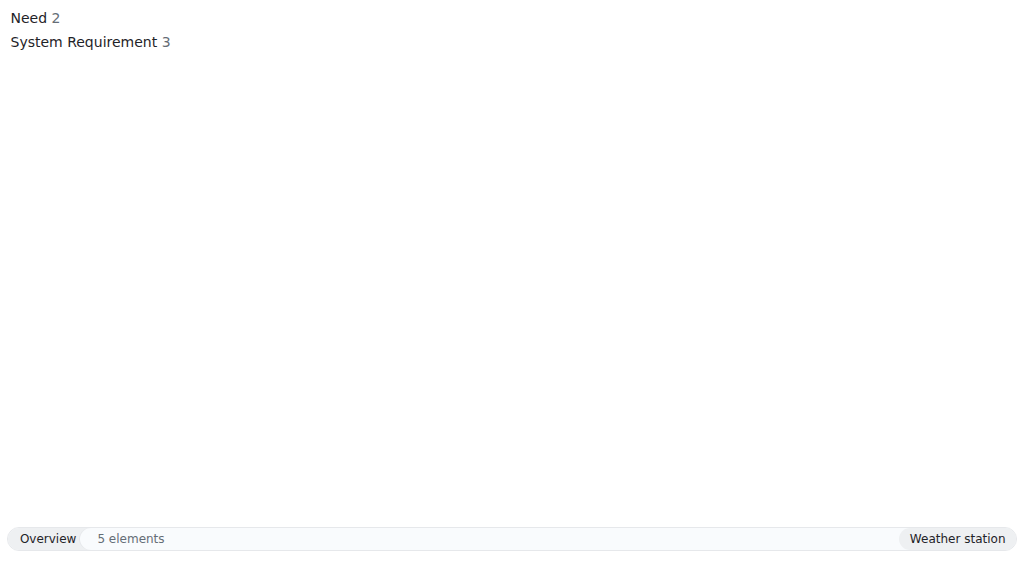
In the app: open the command prompt with Ctrl+Shift+P (⌘⇧P on macOS) and run Initialise workspace. The reference has the details of workspace.init.
Write a first need
Section titled “Write a first need”A need says what someone wants, in their own words. Each element is one Markdown file in the workspace.
reqseq element create need "See the wind speed" --text "As a sailor, I want to see the wind speed before I leave the harbour."N-7fe707 draft See the wind speedfiles: need/N-d0e44b7fe707.mdNo problems.N-7fe707 is the short ID of the need. Yours differs: use it in place of N-7fe707 below. A new element starts as draft. Only people change a status; ReqSeq never does.
In the app: Create element. Reference: element.create.
Derive a system requirement
Section titled “Derive a system requirement”A system requirement says what the system must do to meet the need.
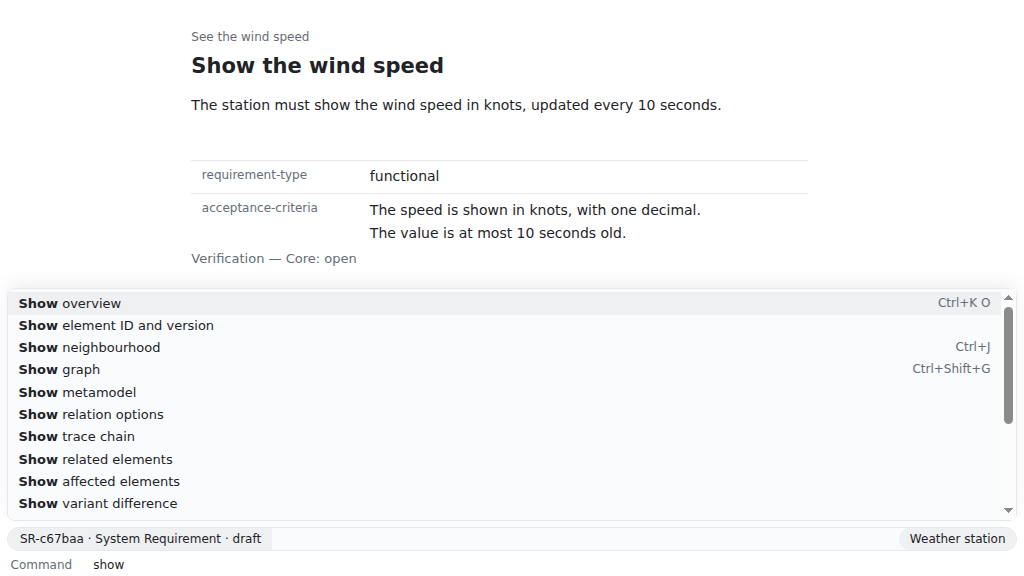
reqseq element create system-requirement "Show the wind speed" --text "The station must show the wind speed in knots, updated every 10 seconds."SR-c67baa draft Show the wind speedfiles: system-requirement/SR-58b371c67baa.mdwarning element.missing-required ...warning element.missing-required ...warning trace.no-parent ...The first two warnings say that a system requirement also needs a requirement type and acceptance criteria. Fill them in later, in the file, in the app or with reqseq element update SR-c67baa --set requirement-type=functional; ReqSeq never fills them in for you. The third says that the requirement has no parent yet, so its chain does not reach a need.
Now link the requirement to the need it derives from, again with your own short IDs:
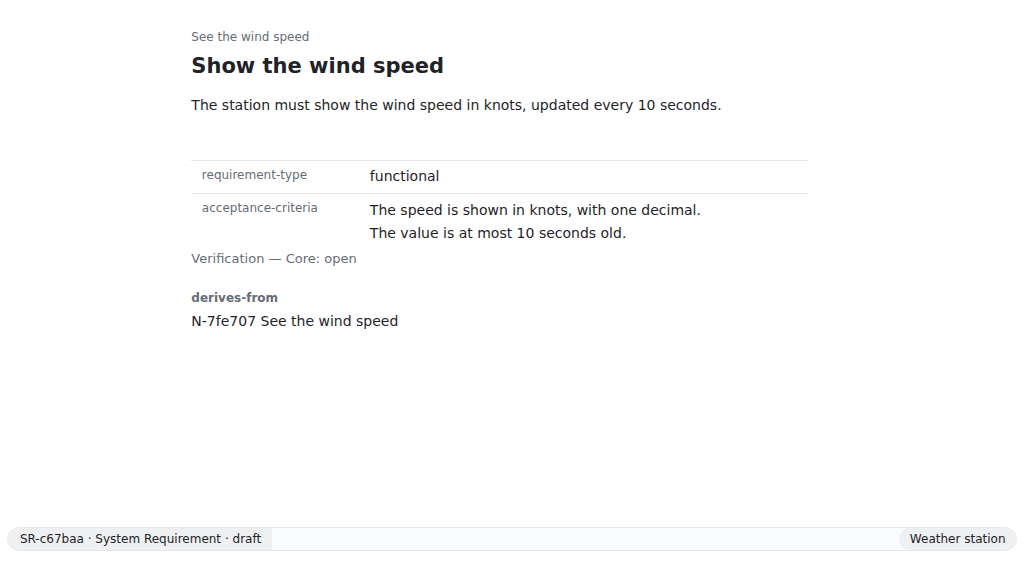
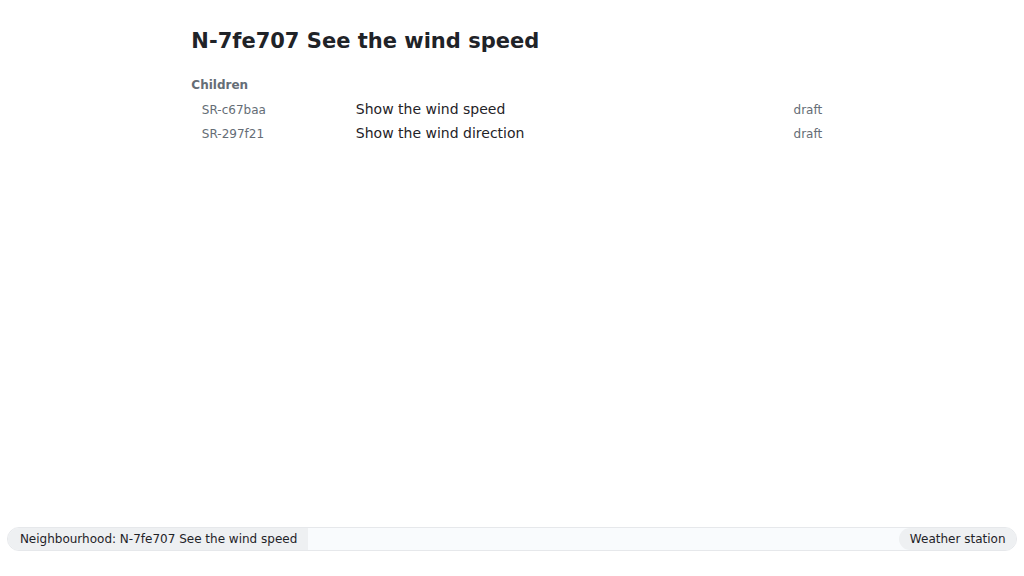
reqseq relation add SR-c67baa derives-from N-7fe707files: system-requirement/SR-58b371c67baa.mdNo problems.The relation is stored in the file of the requirement, with the version of the need it points to. When the need changes later, ReqSeq shows the relation as outdated, so you know to review the requirement. In the app, the mark “link outdated” stands at the other end of the link: on the requirement next to the need, and in the neighbourhood of the need next to the requirement. Both mark the same relation; the hover text says which element points to an older version of which.
In the app: Create relation. Reference: relation.add.
The text of an element can name another element too, with a Markdown link whose destination is reqseq: and the short ID: [the need](reqseq:N-7fe707). ReqSeq writes it with the UUID and version, and it counts like a relation. reqseq:N-7fe707 alone is no link; workspace check warns about it (relation.not-a-link).
Look at the chain
Section titled “Look at the chain”reqseq trace chain N-7fe707N-7fe707 draft See the wind speedchildren: 1 SR-c67baa draft Show the wind speed [gap: no evidence]total: 2No problems.The chain runs from the need down to its requirements and on to their evidence. The gap says that no test or other evidence shows the requirement yet.
In the app: Show trace chain, or Show neighbourhood (Ctrl+J) on the need. Reference: trace.chain.
Check the workspace
Section titled “Check the workspace”reqseq workspace checkok: truecheckedElements: 2...ok: true means there are no errors. The warnings about the two empty properties stay until you fill them in. In a pipeline, the command exits with 1 when there are errors; with --fail-on warning, warnings count too.
In the app: Check workspace. Reference: workspace.check.
The same through the API and MCP
Section titled “The same through the API and MCP”Every step on this page is a command, and the app, the CLI, the API and the MCP server give the same result for it. The local API (reqseq serve api) runs a command as POST /v1/commands/element.create. The MCP server (reqseq mcp) offers it as the tool element_create. The command reference shows the call of every command in each of the four.